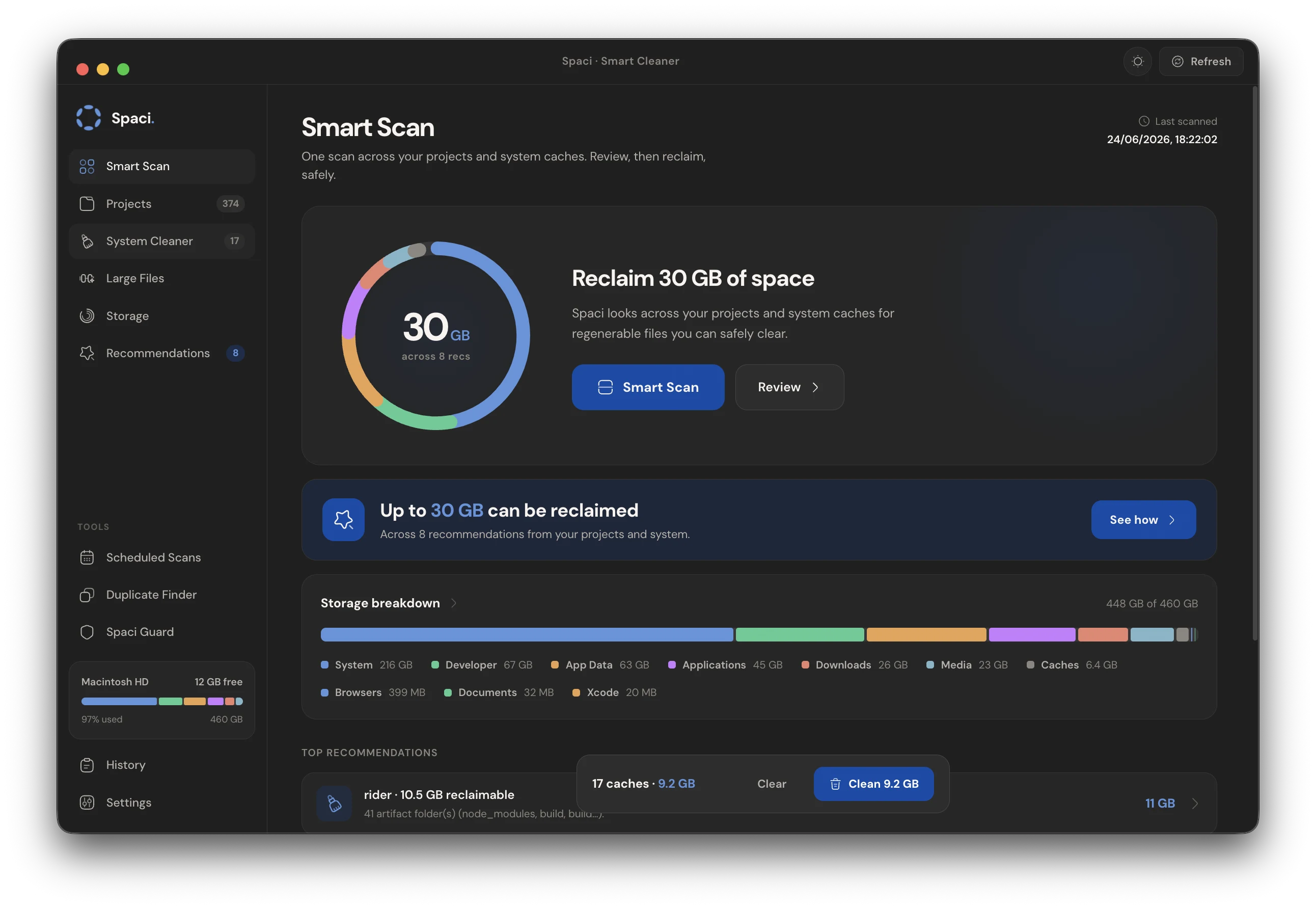
Smart scan, storage breakdown, recommendations and one-click cleanup, in one calm window.
Disk breakdown
See exactly where your disk went.
One scan classifies your whole drive into coding, media, apps, documents and system, so
the space worth reclaiming stops hiding inside a vague "Other".
Macintosh HD328 GB used of 512 GB
Coding86 GBnode_modules, build, caches
Media74 GBphotos, video, audio
Apps58 GBinstalled applications
Documents46 GBfiles and downloads
System64 GBmacOS and data
Free184 GBavailable space
Why Spaci
Built to clean the stuff IDEs leave behind.
One-click cleanup
Pick what to remove and Spaci clears node_modules, build output and caches in seconds. No terminal, no rm -rf.
Smart detection
Spaci recognises project types across your machine automatically, so it knows what is safe to clear and what to leave alone.
Safe by design
Every action previews first, and reversible cleanups stay separate from permanent deletes. You stay in control.
How it works
Three steps from cluttered to clean.
01
Scan
One smart scan sweeps your projects and system caches, sizing everything in the background.
02
Review
Recommendations rank what is worth clearing, with a preview of every folder before it goes.
03
Reclaim
Clean in one click. Reversible actions undo from history; permanent ones are clearly flagged.
 Download for Mac